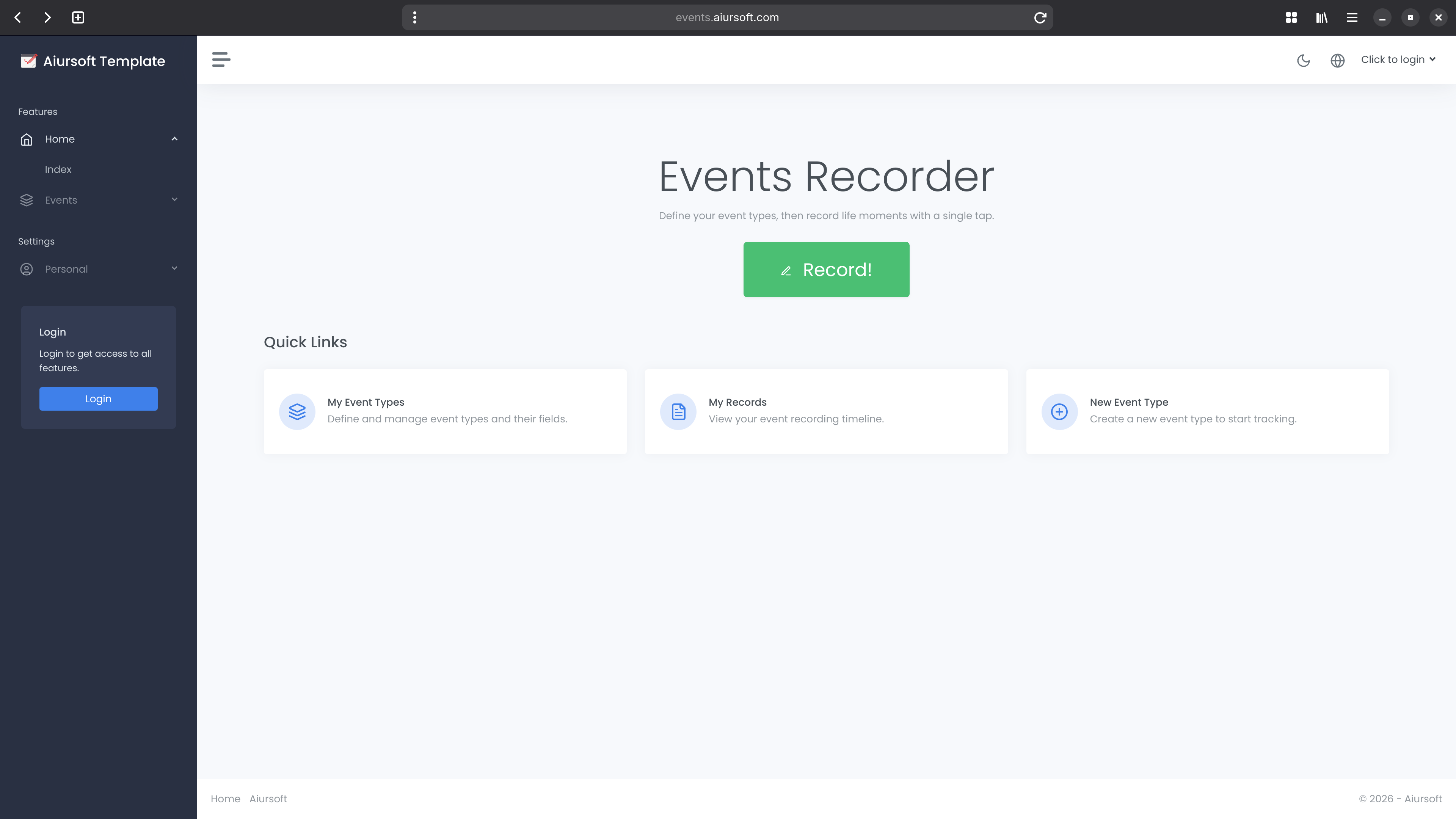
Track What Matters. Record Everything.
Define your own event types with custom fields, then log every occurrence with structured data. Understand your habits, activities, and history at a glance.
Everything you need to track structured events.
Custom Event Types
Define your own event types with names and descriptions tailored to your specific tracking needs.
Flexible Field Definitions
Attach custom fields of various types to each event type — text, numbers, booleans, and more — with configurable order and required constraints.
Timestamped Records
Every event record is automatically timestamped in UTC so you can accurately reconstruct a history of occurrences over time.
Notes & Context
Add free-form notes to any event record for additional context that doesn't fit neatly into structured fields.
Multi-User Support
Each user manages their own isolated event types and records. Built-in RBAC ensures administrators can oversee all activity.
Historical Browsing
Browse, search, and filter your event history to spot patterns, review past activity, and gain insights from your long-term data.
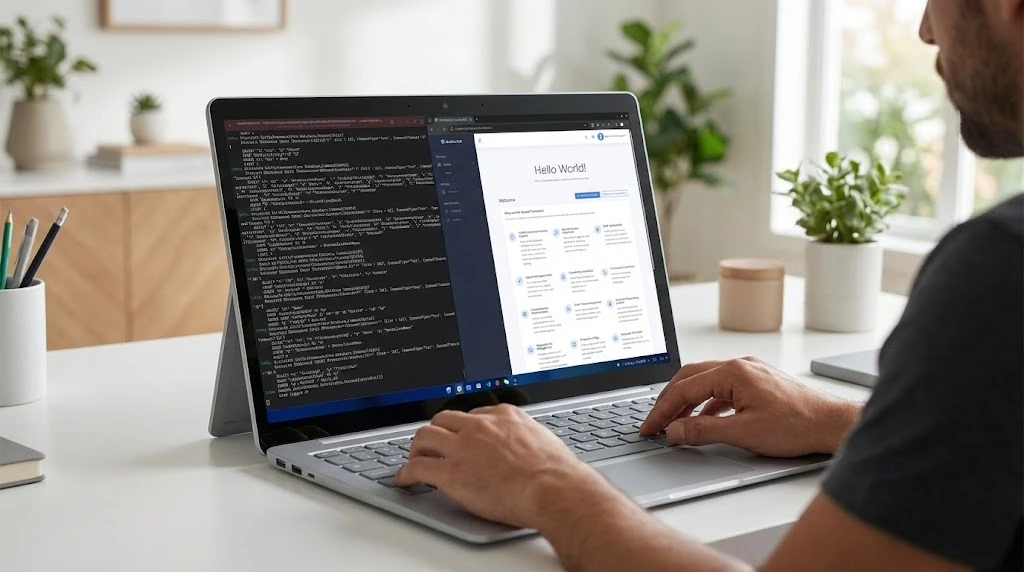
Single Container
Fully Offline
No dependency on any cloud vendor. Run anywhere, any time — your data stays with you.
One Click Start
Start with a single 'docker run' command.
Fully Offline
Runs without any internet connection required.
Zero Configuration
Default SQLite database, no configuration needed.
Three simple steps to structured event tracking.
1. Define an Event Type
Create a named event type such as 'Morning Run', 'Medicine Intake', or 'Work Session'. Add a description so everyone knows what it tracks.
2. Configure Custom Fields
Add the data fields that matter for this event — Distance, Duration, Medication Name, Dosage — choosing the field type and whether each is required.
3. Log Every Occurrence
Each time the event happens, create a record. Fill in the field values, optionally add notes, and the timestamp is captured automatically.
Validation Built In
Fields are validated on both client and server sides, ensuring your data is clean and consistent across all records.
Multiple Database Support
Choose from SQLite, MySQL, or SQL Server depending on your scale. Easily swap providers with minimal configuration.
Admin Settings
Administrators can manage global settings through the dashboard, with environment variable overrides for production deployments.
What can you track with EventsRecorder?
From personal health habits to team workflow checkpoints, EventsRecorder adapts to any structured data you want to capture over time.
Health & Fitness
Log runs, workouts, medicine intake, sleep hours, or blood pressure readings with custom fields for every metric that matters to you.
Work & Productivity
Track work sessions, meeting outcomes, task completions, or any recurring workplace activity with structured data fields.
Learning & Habits
Record daily reading sessions, language practice, study hours, or any habit you want to build — with progress visible over time.
Maintenance Logs
Track vehicle maintenance, home repairs, equipment servicing, or any periodic maintenance activity with timestamped records.
Nature & Hobbies
Log garden watering, bird sightings, photography outings, or any hobby with the exact custom fields your activity demands.
Anything Else
EventsRecorder is schema-flexible. If you have a recurring event you want to capture in a structured way, it fits right in.
Frequently asked questions
Here are some of the answers you might be looking for.
What is an Event Type?
What field types are supported?
Can multiple users share the same instance?
How do I deploy EventsRecorder?
Is EventsRecorder free to use?
Start recording your events today!
Sign up for free and start defining your event types in minutes.
Get started for free Go to dashboard